Massage studios
A massage studio website with booking requests
A clear schedule for different massage services and durations. Clients need to understand the massage services, their duration and the studio’s location. The schedule should also leave room for preparation between visits.
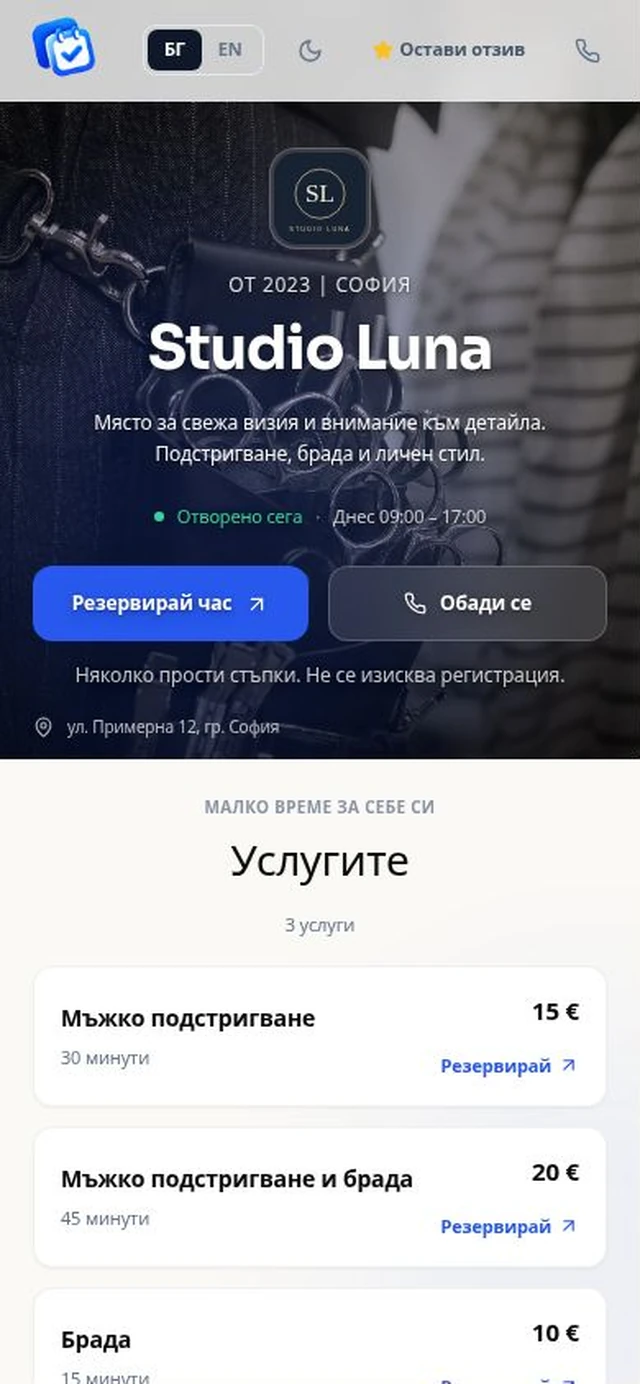
What you can manage
- Offer separate services for each massage type and duration.
- Block preparation time and breaks between clients.
- Show directions, hours and clear booking terms. Keep health details out of the booking form.
From setup to your first enquiry
- Add separate services for different massage types and durations.
- Configure practitioners’ schedules and block preparation time.
- Review requests and confirm visits personally. Discuss individual requirements during a call.
Example: a practitioner needs a break after a 60-minute treatment. Block that time in the calendar so it cannot be offered as another appointment. The public page provides contacts and directions for a first visit.
Starter or PRO?
Starter includes your business page and the core management tools: €15/month or €150/year. PRO adds a custom domain, video and business branding options: €35/month or €300/year. Prices exclude VAT.
Explore the features · Compare Starter and PRO
Start with 1 month free on Starter. Clients need no account or installation. Appointment requests require business confirmation. SMS after approval is coming soon and is not active.
Common questions
Do clients need to install an application?
No. They send a request from the business page in their browser without creating a client account.
Can I use my own domain?
Yes, on PRO after ownership verification and DNS/HTTPS activation. Management stays in OneBooking. On Starter your public page uses an address under onebooking.io.